Announcing: Additional list fields so you can personalise your campaigns even further
Written by Tom Evans
It’s been a long time coming, but today we’re excited to launch additional list fields. Our biggest single update to EmailOctopus since our launch in 2014.
For the past 3 years, we’d restricted you to only storing 3 values, a first name, last name and email address. From today onwards, you can now add additional fields, chosen by you across each list. So now you can store a user’s address, number of items they’ve purchased, or age and then use each of these to personalise your emails to your subscribers.
Here’s how you can get started with merge fields
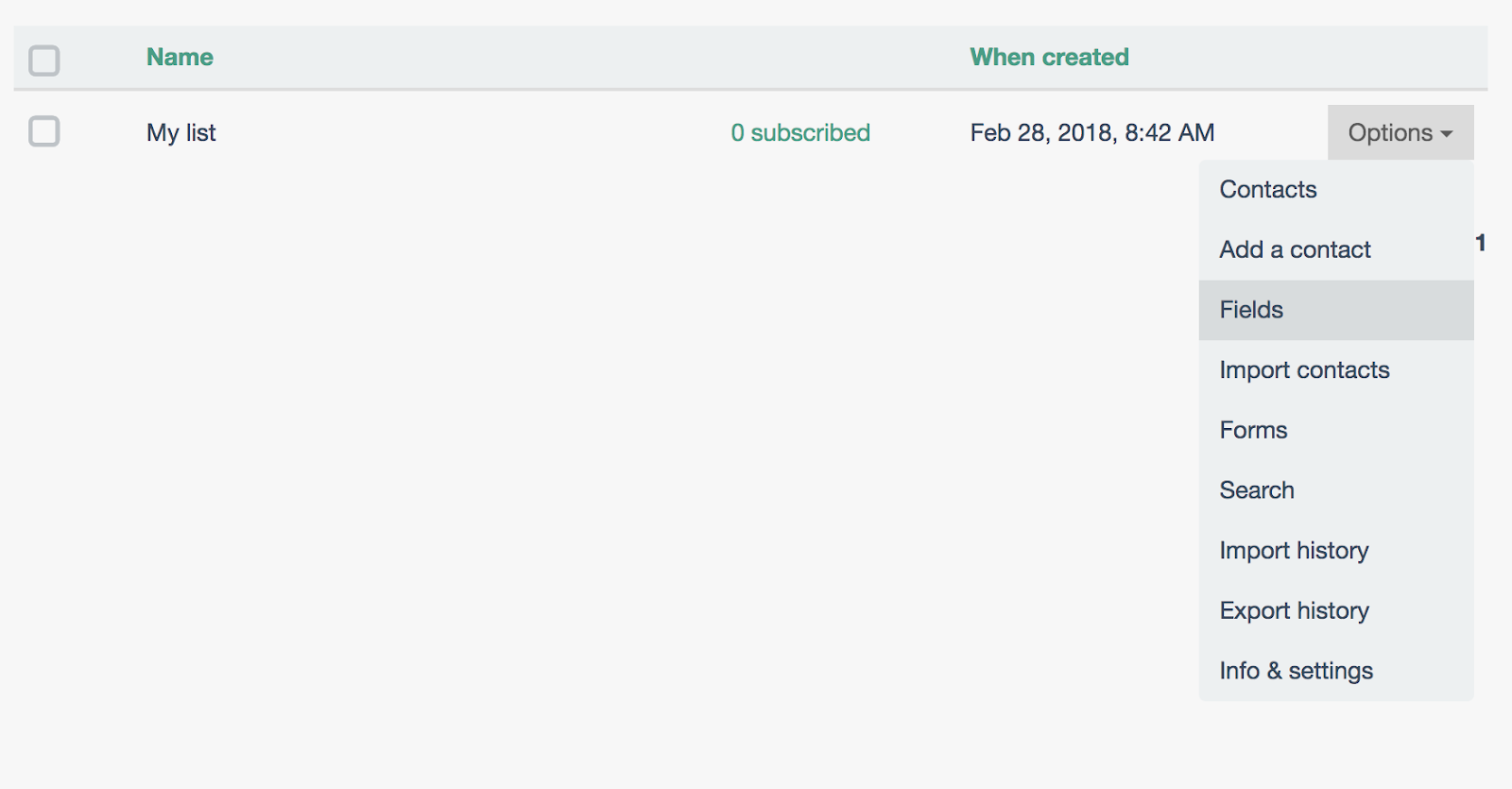
- Select a list, then click the options tab
- Choose whether you want to create a text field (string) or number
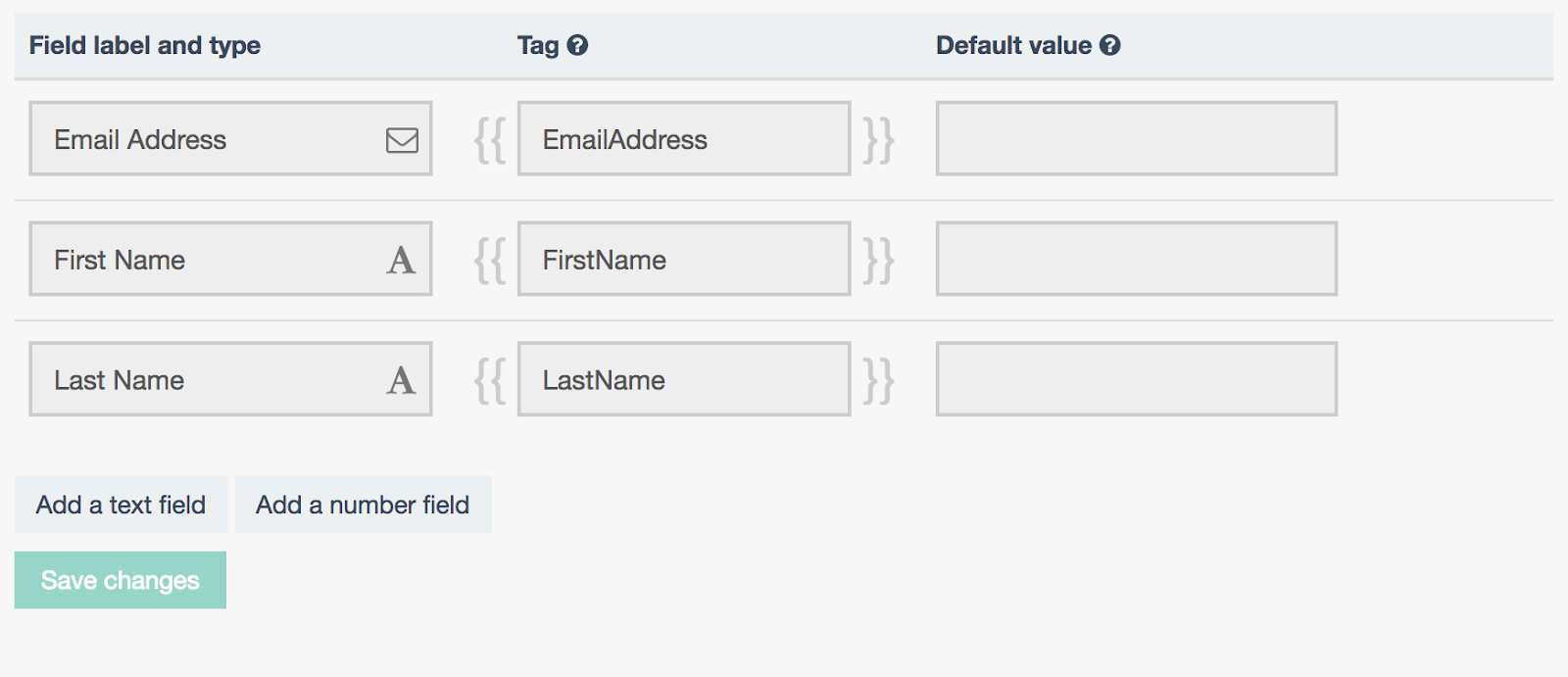
- Name your field, as desired. The default value will be the value used in your email if a contact does not have a merge field value set.
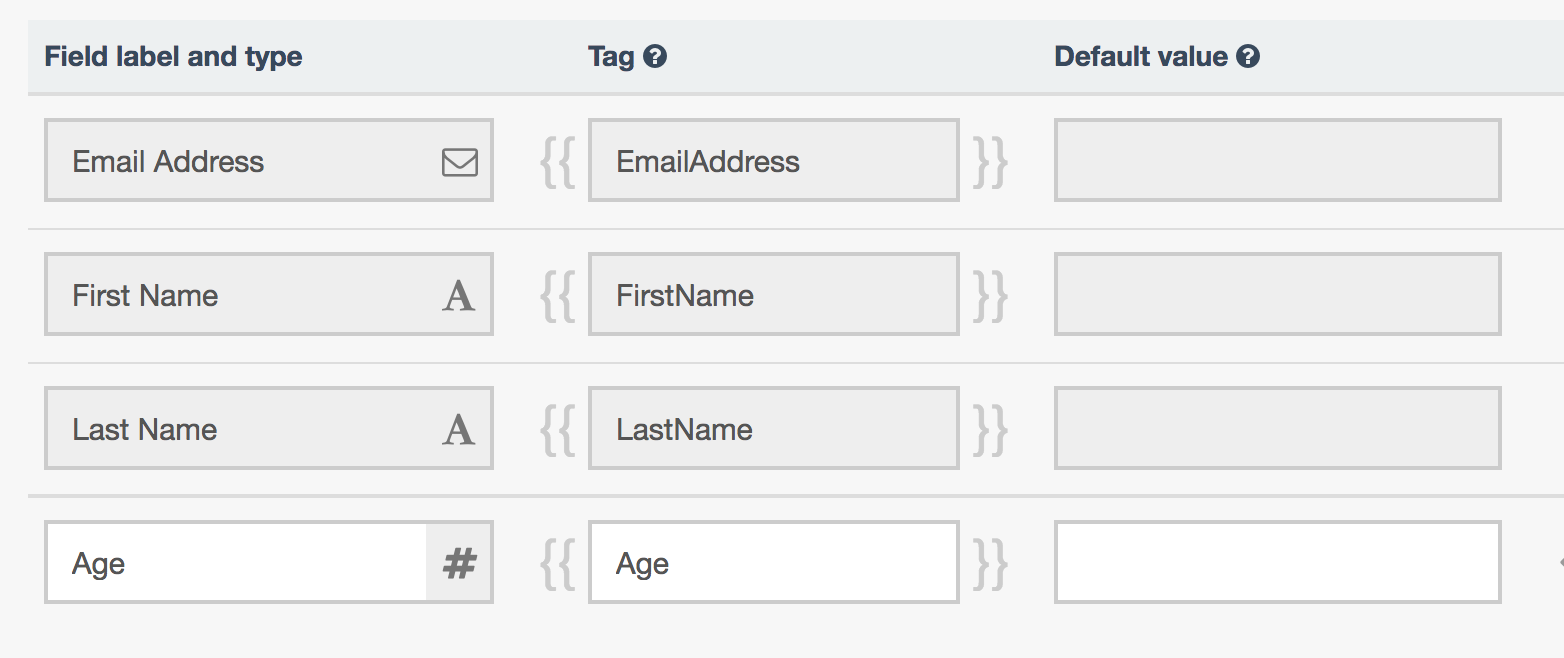
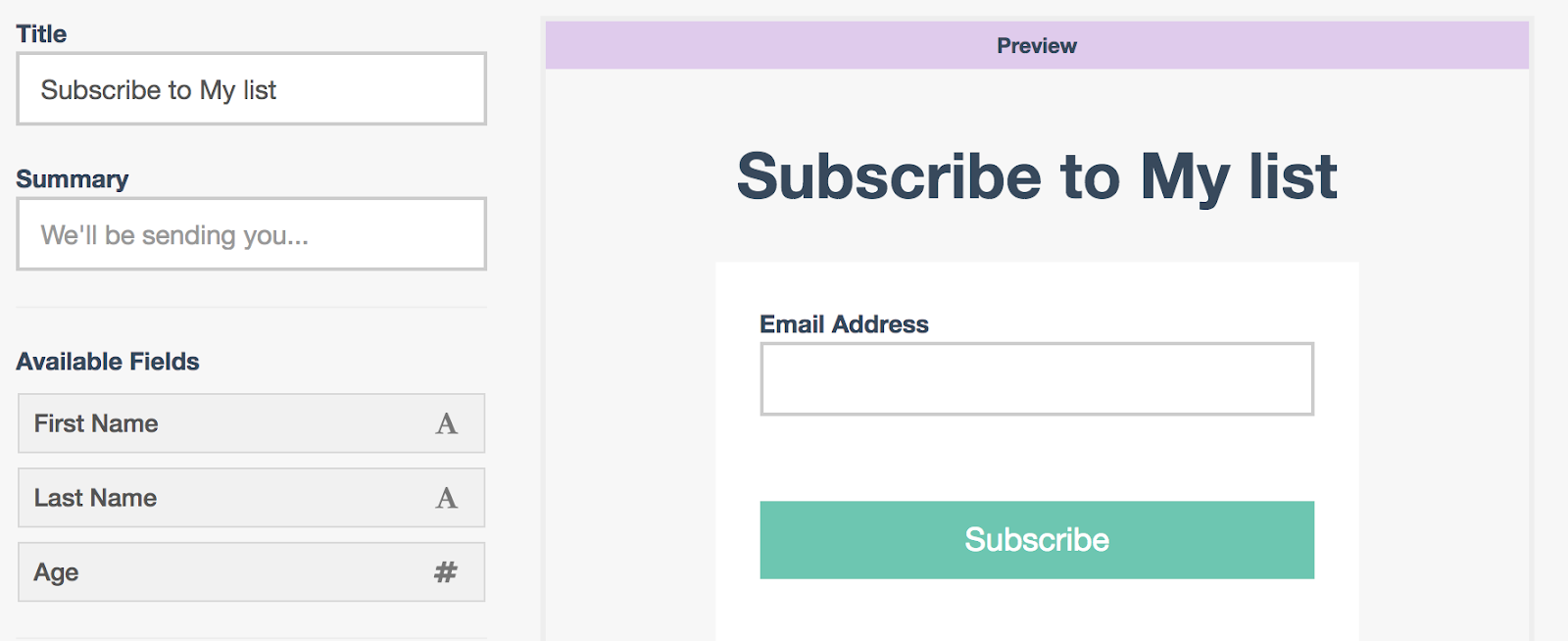
- These fields can now be shown as required in your forms. Our Zapier integration also allows you to instantly add subscriber data.
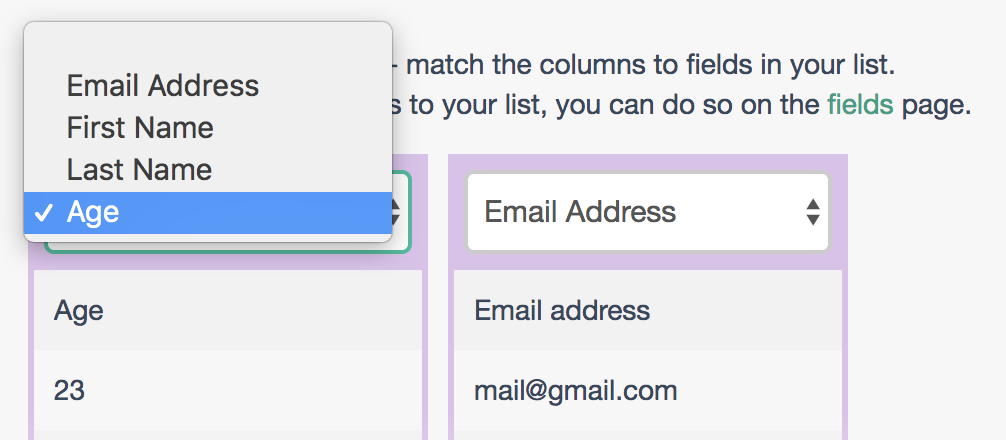
- When importing a list you’ll be able to select which column relates to which field